Thinking Different about the Future of Reality
From QuickTime VR to Meta Hyperscape

Recently I downloaded META’s beta version of Hyperscape to my Quest 3 VR headset. Hyperscape is an application that scans a physical room using only the headset’s built-in tracking cameras and transforms that environment into a photorealistic digital twin [1]. Once rendered, I could virtually walk around my kitchen table, look out of the window into my garden and see the fine details of my cooking hob. The perception of depth and realism was remarkable.
It also provided a deja vu moment.
Despite the arrival of the Graphical User Interface on computers in the 1980’s, 3D graphics were, well, crude and lacked any sense of visual fidelity. Trying to create photorealistic objects and rooms was simply not possible on consumer desktops at that time. A representative example is the 80s Stylized Computer Desk shown below [2].
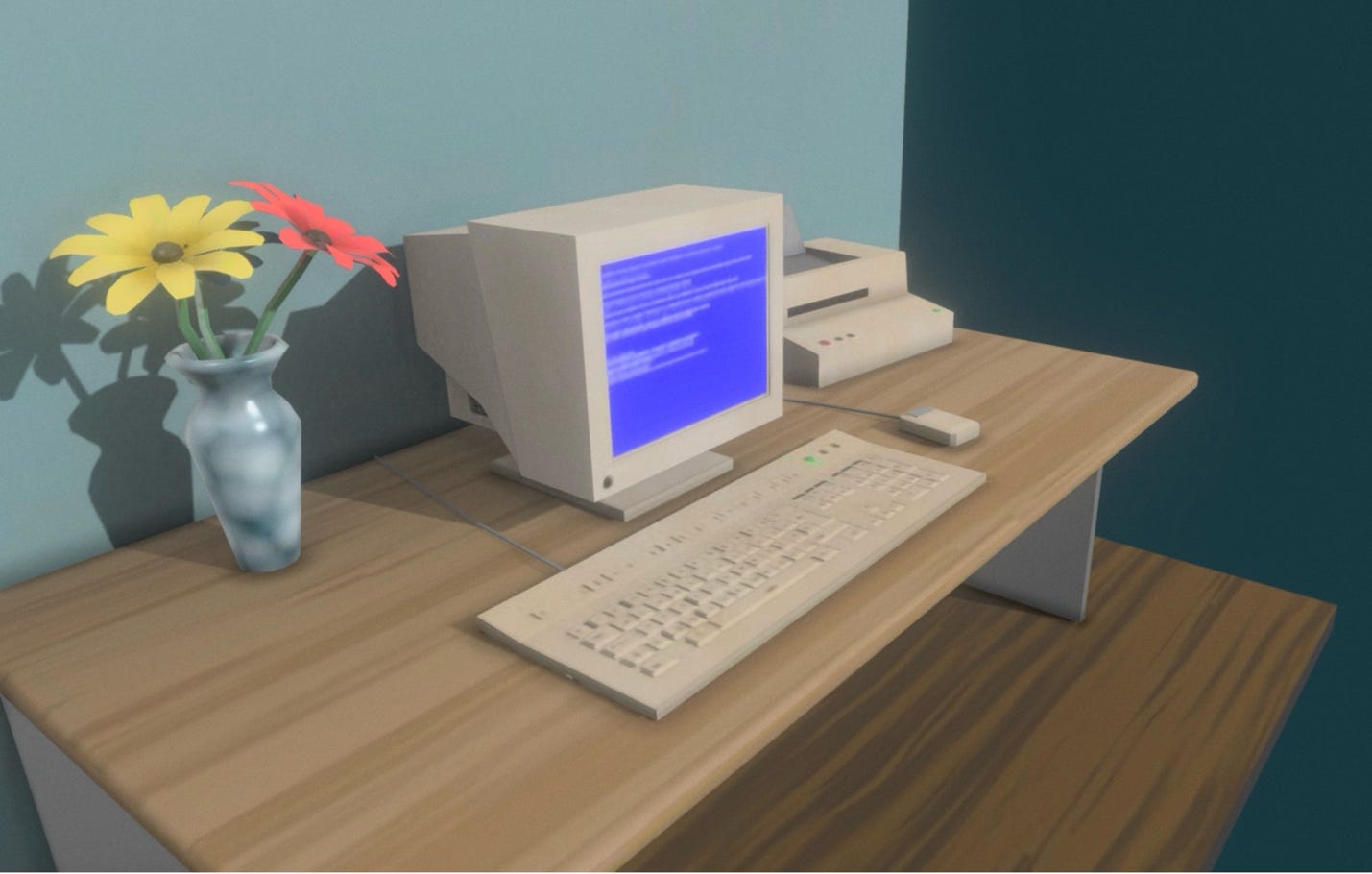
Figure 1. 80s Stylized Computer Desk by Aidan [2]
Apple decided to Think Different and in the mid-90’s released a software package called QuickTime VR Authoring Studio [3]. Instead of trying to create a world from scratch, what if real photographs could be used to simulate a virtual re-creation? The result was a QTVR file which, when opened on a Mac, felt like you were effectively standing inside a digital sphere. Using a mouse you could look up, down, left and right. By clicking on designated hotspots such as a door, the software would instantly teleport you to a new sphere in the next room. You could also add sound effects such as running water as you passed a fountain.
To create a QTVR scene the photographer had to set up a digital camera on a tripod in the middle of a room with a panhead to alleviate parallax errors, and then take a series of overlapping photos in a 360° circle. The QuickTime VR Authoring Studio stitched the photos together and mapped them onto the inside of a virtual sphere. The software also mapped scenes via hotspots into a virtual tour. With friends from the Mac Users Group Singapore, virtual tours of the historical Raffles Place and the new National Institute of Education were created [4].
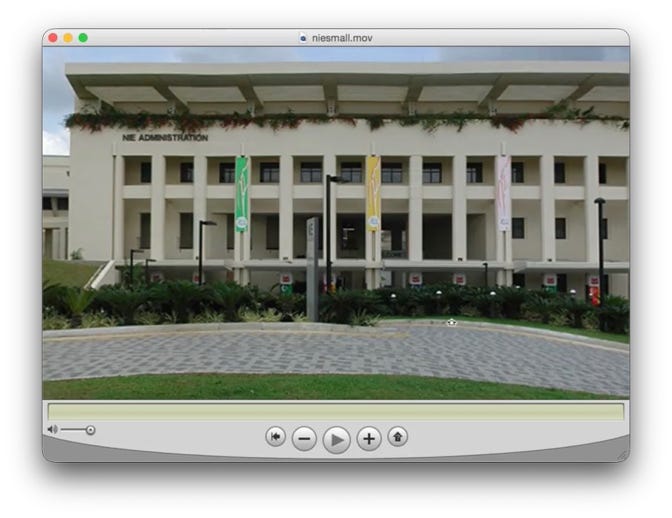
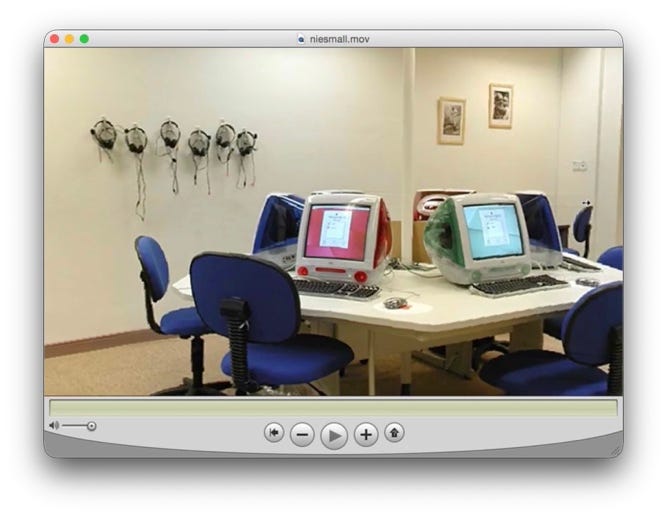
Figure 2. QuickTime VR of the National Institute of Education, Singapore [4]
As magical as QTVR was, it had a fundamental limitation: users were locked to a single point in space. You could rotate your head in any direction but could not take a step forward in the environment or look behind an object. There was only 3 Degrees of Freedom (3DoF). True spatial depth was missing.
The next phase in my 3D journey was photogrammetry. This involved analyzing and stitching photographs of an object into digital 3D geometric shapes. A smart student in my lab built an iOS application named ‘phog’ which basically stitched photographs of objects and exported the output to a file format that subsequently could be imported to our VR environment. We used Unity to build a showroom of our research in VR and added realistic 3D objects on tables for users to pick up and move around. We won a Best Academic paper award at an international conference [5].
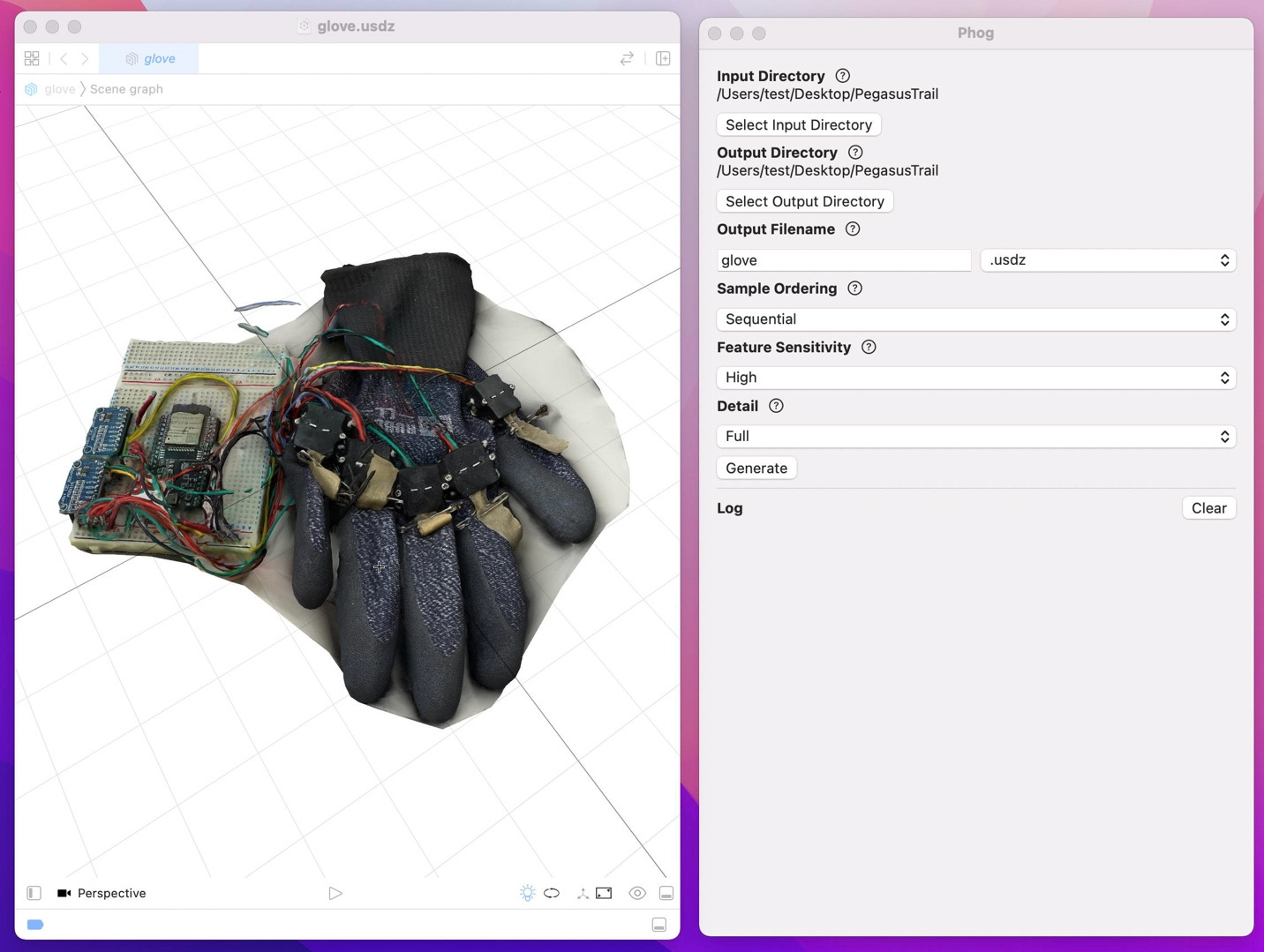
Figure 3. phog - photogrammetry application
Photogrammetry was tedious though. We had to position the object on a Lazy Susan turntable. For best results, we took 36 photographs in one 360° rotation, manually moving the turntable10° at a time. Also, capturing shiny surfaces and sharp corners was a challenge.
Onwards to my most recent experience: Meta’s Hyperscape. According to Meta, “Hyperscape lets you capture your real-world space in just a few minutes, then creates an immersive, true-to-life digital replica that you can visit from anywhere.” [1] I downloaded Hyperscape and within minutes I was mapping my kitchen in my Quest 3 headset. The process was straightforward. I simply walked along the edges of the room, focusing on objects such as chairs and tables, and moving my head to pan across the ceiling. The scan was then sent to the Cloud for processing where, apparently, AI is used to convert the raw video frames into millions of volumetric Gaussian Splats. This took about two hours. Once rendered, my virtual kitchen was amazingly realistic. Meta provides a demo of Gordon Ramsay’s kitchen (which puts mine to shame 😟) [1].
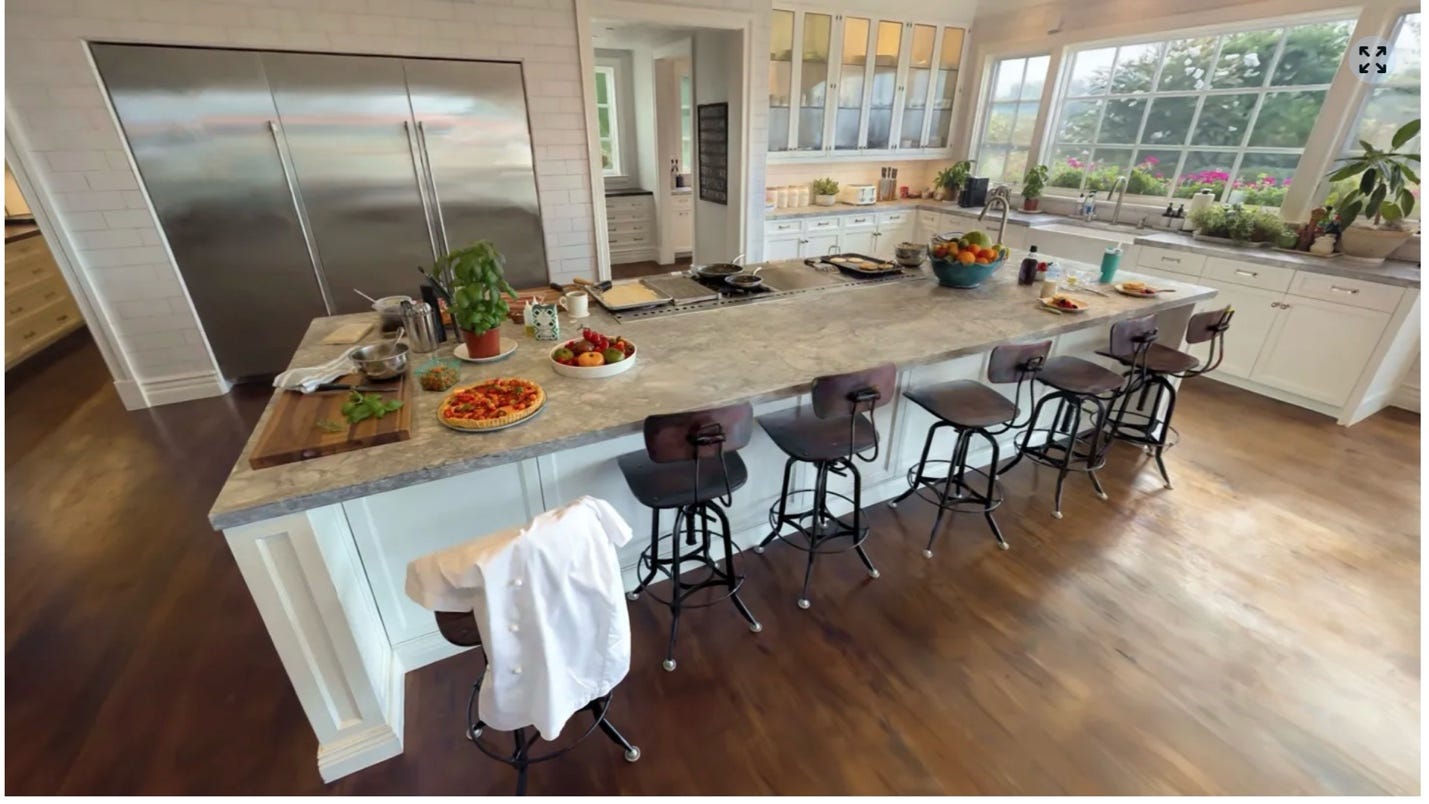
Figure 4. Gordon Ramsay’s kitchen in VR [1]
It is also possible to share the environment and invite others as avatars to visit and engage; UploadVR provides a demo [6]. I am living in Japan and my family live in Wales, UK. The next step is to invite them into my virtual kitchen for a cup of tea and hopefully they will bring along some delicious Welsh cakes 😉
Hyperscape represents a completely new paradigm for creating virtual environments and I believe its lineage traces directly back to those pioneering QuickTime VR designers and creatives.
I hope you enjoyed reading this snippet of personal VR history. Feel free to comment.
References
[1] Meta. (2025, September 17). Meta Horizon Hyperscape Capture (Beta) [Mobile application]. Meta Horizon Store. https://www.meta.com/experiences/meta-horizon-hyperscape-capture-beta/8798130056953686/
[2] 80s Stylized Computer Desk by Aidan, https://sketchfab.com/3d-models/80s-stylized-computer-desk-4f902811373d43cd84e7acf7d41dbdcf
[3] Wikipedia contributors. (2025, November 13). QuickTime VR. In Wikipedia, The Free Encyclopedia. Retrieved June 6, 2026, from https://en.wikipedia.org/wiki/QuickTime_VR
[4] National Institute of Education, QuickTime VR,
[5] Vallance, M. (2022). Reflecting on research: A virtual GLAM proposal. 2022 8th International Conference of the Immersive Learning Research Network (iLRN), 1–6. https://doi.org/10.23919/iLRN55037.2022.9815949
[6] UploadVR. Horizon Hyperscape Worlds Hands-On: Teleporting Into Kyle's Home With VR,
Thank you. I remember your NIE video very well. You now hold interesting archival material. You wouldn't recognise the NIE Block 1 entrance. There's a train viaduct, a train station under construction and a mess that's hard to ignore. Is all of this done in the name of progress? I don't know but those days in our iMac lab are long, long gone.